 By Mark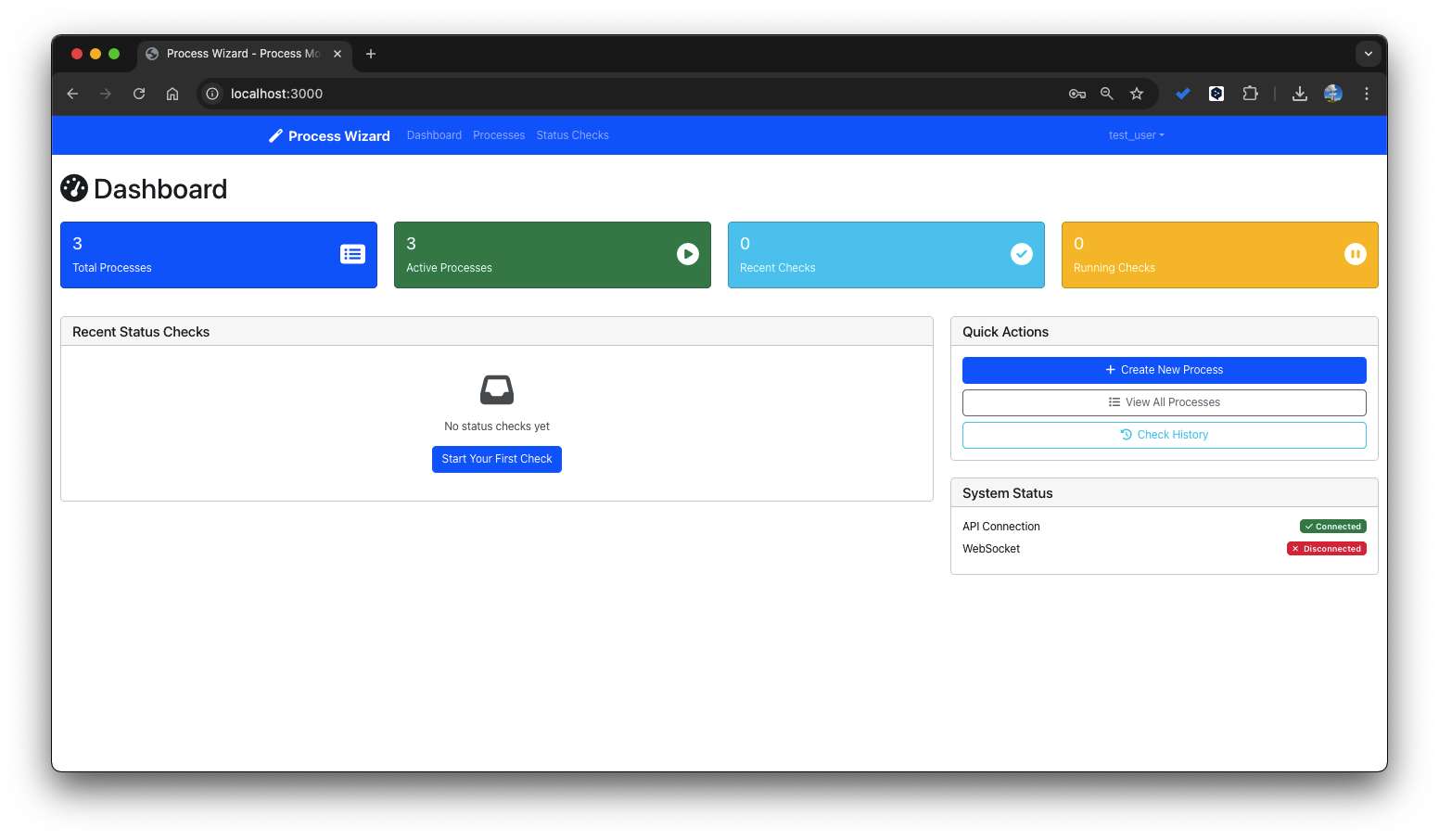
Table of Contents
For instance, you might get results that are entirely different from what you intended, and you end up sending countless prompts and applying fixes just to get the output right.
1. Introduction (AI Debugging)
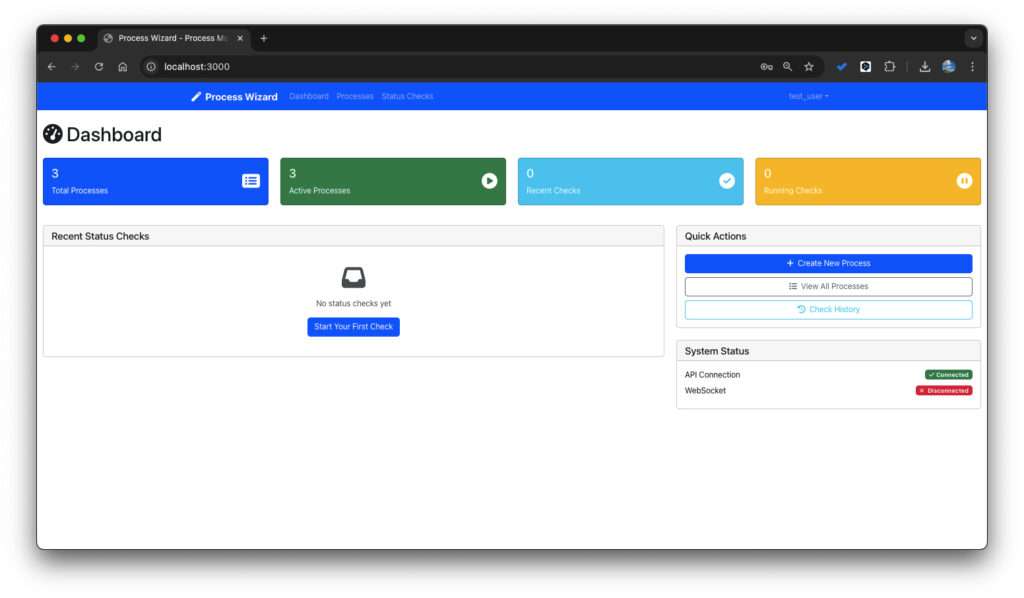
AI-powered coding tools significantly boost productivity, but they often produce programs that look very different from what you expected. This happens often now that AI code assistants are widely used. In this post I’ll walk through how I debug those gaps between what I asked for and what the AI actually generated.
To prevent quality issues and development delays, it’s essential to have a structured debugging process in place. In this post, I’ll break down how to systematically debug AI-generated code—especially when the output doesn’t match what you had in mind.
2. Why Does AI-Generated Code Differ From Expectations?
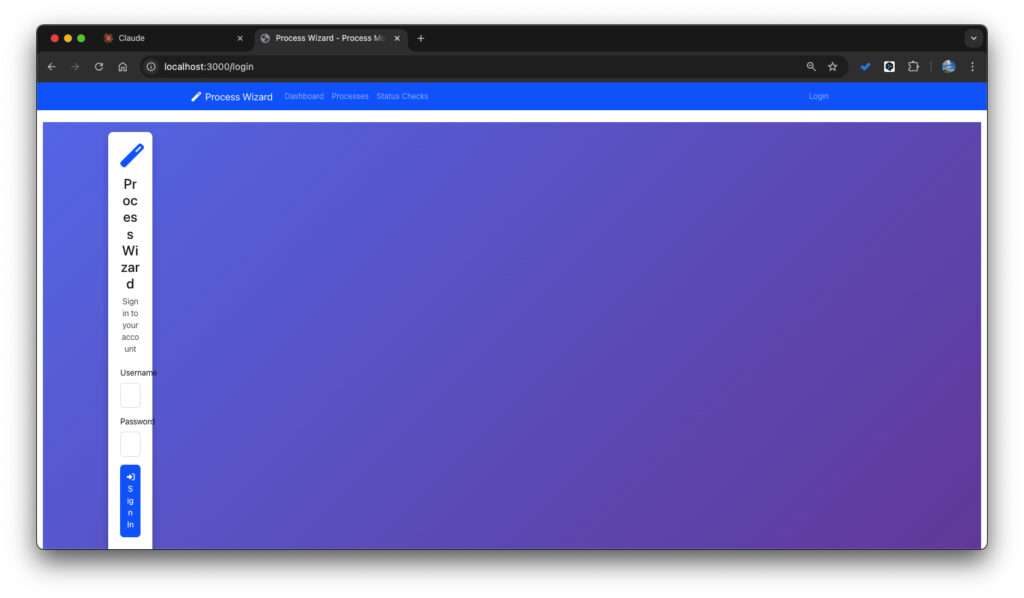
2.1 Lack of Context and Prompt-Design Issues
AI doesn’t always grasp the exact context of your prompt or your codebase.
Developers often describe what they want but not how they want it built.
Ambiguous language, overlapping requirements, or mixed goals cause the AI to “try everything at once,” often resulting in messy or unfocused output.
2.2 Structural and Quality Limitations of AI Outputs
Even when a generated function “works,” it may be misaligned with the intended architecture or design.
Security, performance, maintainability—AI doesn’t always meet the expected standard.
AI produces “plausible” code, but not always production-ready or fully aligned with your project’s design patterns.
2.3 Technical Debt and Growing Maintenance Cost
If AI-generated code is merged repeatedly without testing or review, technical debt accumulates rapidly.
Later, when issues surface, it takes more time to track down what went wrong and why.
Understanding these root causes helps you design a more structured approach to debugging AI-generated outputs.
3. Step-by-Step Debugging Process
Below is a practical debugging workflow for when AI-generated code doesn’t match expectations.
3.1 Step 1: Quick Output Check & Clarify Expectations
Run the output quickly and check whether the basic flow works.
Write down what you expected. For example:
- Input → Output flow
- Function/method signatures
- Expected failure cases and error handling
- Performance or latency constraints
List where the result differs from your expectation.
This step bridges the gap between your requirements and the AI’s interpretation.
3.2 Step 2: Review the Prompt and Intent
Revisit the prompt and context you provided.
- Was the request too broad?
- Did you specify architecture or modularization?
- Did you describe test cases and edge cases?
If needed, redesign your prompt. For example:
- “This function must do ___. Include test cases ___. If failure occurs, handle ___.”
- “Use modular structure with minimal dependencies. Follow ___ coding style.”
Good prompt design is still a critical skill.
3.3 Step 3: Code Review and Structural Analysis
Review the generated code from a high-level perspective.
- Are files and modules logically separated?
- Are functions too large or too small?
- Are names intuitive? Any comments or documentation?
- Does the style and pattern match your project?
- Any security or performance issues?
Run static analysis tools (ESLint, Pylint, etc.) to assess the current state quickly.
3.4 Step 4: Design and Run Tests
Based on your expectations, write unit, integration, or regression tests.
Since AI rarely includes complete tests, writing tests first and iterating through “test → code → test” cycles helps maintain quality.
Summarize test failures or unexpected behaviors.
If failures accumulate, incorporate the test requirements back into the prompt or modify the code directly.
3.5 Step 5: Analyze Root Causes and Apply Fixes
Investigate why tests failed or why the behavior deviates. Common reasons include:
- Missing requirements
- Missing edge-case handling
- Inefficient logic
- Missing external API checks or error handling
Solutions might include:
- Asking AI to modify specific sections
- Refactoring functions, improving naming, or replacing algorithms
Then run the tests again. This cycle is the core of debugging.
3.6 Step 6: Review, Merge, and Document
Once the code works and tests pass, prepare for review and merge.
Document what changed and why.
If the code was AI-generated, notes like “AI-generated code, manually adjusted for ___” can be helpful.
Keeping a record of the debugging process improves future maintainability.
3.7 Step 7: Monitoring and Feedback Loop
After deploying, monitor logs and performance for unexpected issues.
To avoid repeating the same mistakes:
- Improve prompts
- Update your internal coding guidelines
- Add automated tests and static analysis rules
Sharing your experiences with the team helps improve future AI-assisted development quality.
4. An Illustrative Example
This is a hypothetical example to show how the steps fit together, not a record of a specific project. Say you requested:
“Implement a sign-up API.”
The AI generated code works, but:
- No exception handling
- No logging
- No proper DB transaction management
Following the debugging process:
- Basic check → It registers users but fails on duplicate emails.
- Prompt review → Add: “Return 409 on duplicate emails, log results, rollback transactions.”
- Code review → Missing transaction logic, unclear variable names.
- Tests → Three tests (normal, duplicate, DB error). Duplicate test fails.
- Root cause → Duplicate email condition missing. Fix manually or ask AI.
- Merge → Document improvements: exception handling, logging, transaction.
- Monitoring → After release, watch the logs for duplicate-email errors.
This approach lets you go beyond “The AI wrote it wrong” and instead establish a repeatable, meaningful improvement workflow.
5. Tips for Debugging AI-Generated Code
- Never trust AI-generated code without review.
- Prompts must be explicit and specific.
- Do not skip traditional development practices (review, testing, documentation).
- Use static analysis and automated tools—they catch what AI misses.
- Treat failures as learning material and iterate on your prompts.
- Don’t rely solely on AI for complex logic, architecture, or security decisions.
6. Conclusion
AI coding tools dramatically improve productivity, but they also produce outputs that often differ from what developers intended. With a structured debugging framework, you can turn these mismatches into an opportunity for systematic improvement rather than frustration.
A workflow that works well for AI-assisted development is:
Prompt Design → Review & Test → Iterative Refinement
By applying the steps above, you’ll reduce the anxiety of “AI code that doesn’t look like what I imagined” and produce better, more consistent results